安装部署
VVCMS在宝塔面板中安装部署
使用宝塔面板(BT Panel)快速上线:Nginx 站点 + 进程守护 + 日志查看。
2026-03-04
123
什么是宝塔面板
宝塔面板(BT Panel)是一款国产、免费为主的服务器可视化运维面板,把 Linux/Windows 服务器的复杂命令行操作,全部改成浏览器里点点鼠标就能完成的的可视化管理工具,它对新手更加优化。
安装宝塔
root@ecs-989b:~# wget -O install_panel.sh https://download.bt.cn/install/install_panel.sh && bash install_panel.sh ed8484bec
--2026-05-04 17:11:24--  https://download.bt.cn/install/install_panel.sh
Resolving download.bt.cn (download.bt.cn)... 211.99.112.100, 2409:8c20:28c1:4::2
Connecting to download.bt.cn (download.bt.cn)|211.99.112.100|:443... connected.
HTTP request sent, awaiting response... 200 OK
Length: 80406 (79K) [application/octet-stream]
Saving to: ‘install_panel.sh’

install_panel.sh                          100%[===================================================================================>]  78.52K  --.-KB/s    in 0.03s

2026-05-04 17:11:24 (2.91 MB/s) - ‘install_panel.sh’ saved [80406/80406]

cat: /etc/redhat-release: No such file or directory

+----------------------------------------------------------------------
| Bt-WebPanel FOR CentOS/Ubuntu/Debian
+----------------------------------------------------------------------
| Copyright © 2015-2099 BT-SOFT(http://www.bt.cn) All rights reserved.
+----------------------------------------------------------------------
| The WebPanel URL will be http://SERVER_IP:14148 when installed.
+----------------------------------------------------------------------
| 为了您的正常使用,请确保使用全新或纯净的系统安装宝塔面板,不支持已部署项目/环境的系统安装
+----------------------------------------------------------------------

Do you want to install Bt-Panel to the /www directory now?(y/n): y
==================================================
检查debian系统源配置...
当前系统: debian 12 -> 正确: bookworm
---------------------------------------------
Selected download node...
Download node: https://dg2.bt.cn
---------------------------------------------
正在设置虚拟内存,请稍等..........

========================面板账户登录信息==========================

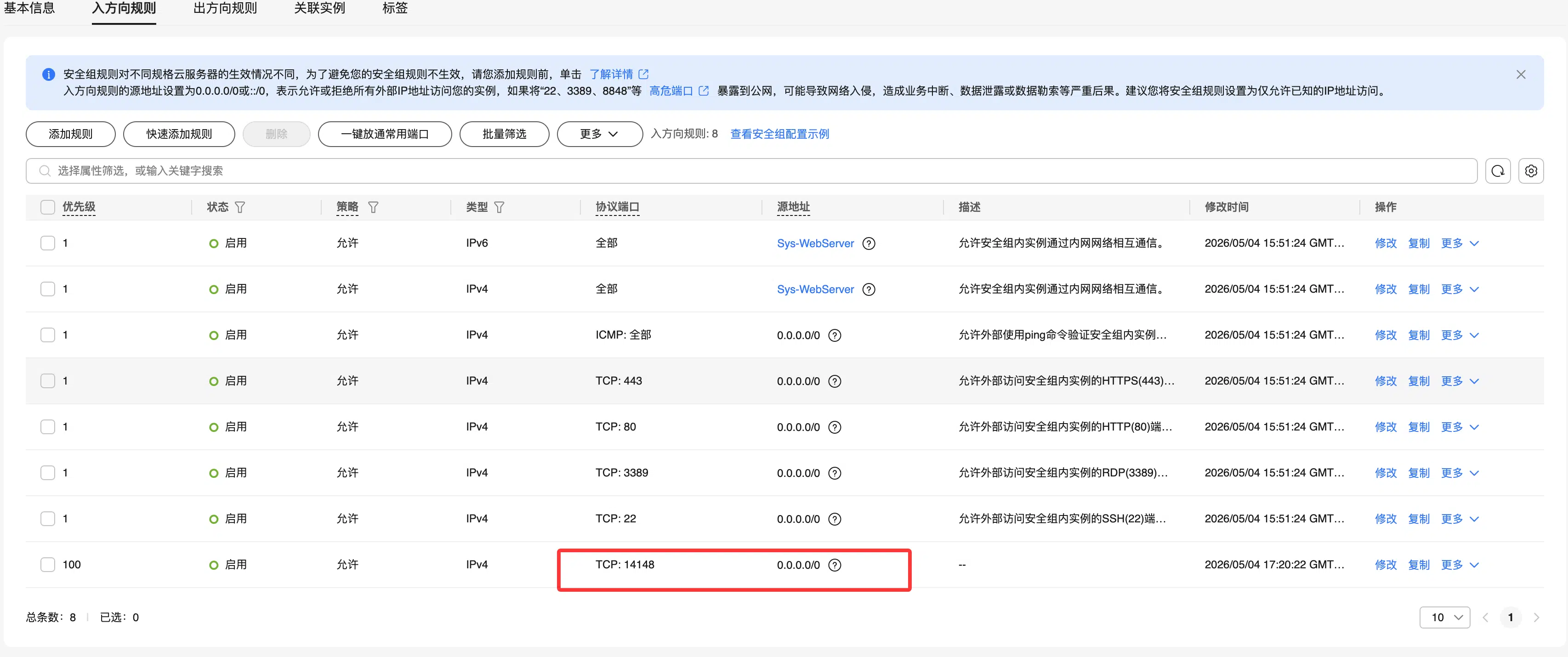
 【云服务器】请在安全组放行 14148 端口
 外网ipv4面板地址: https://121.36.250.231:14148/55c21573
 内网面板地址:     https://192.168.0.194:14148/55c21573
 username: iarphawn
 password: 5bd6edcf
(注意防火墙放行端口Linux的防火墙+云服务商的安全策略端口)
登陆宝塔后台
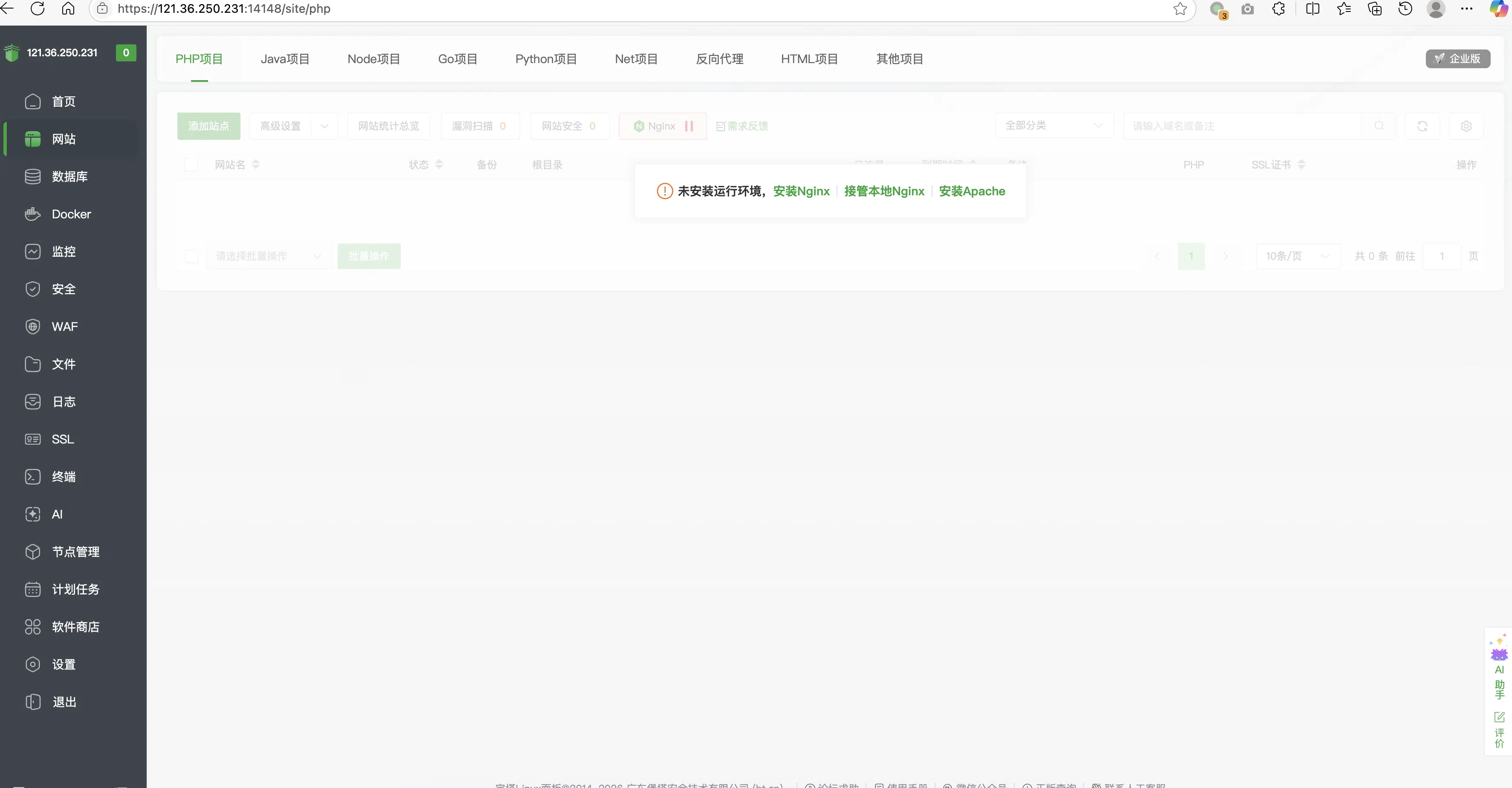
安装宝塔的Nginx
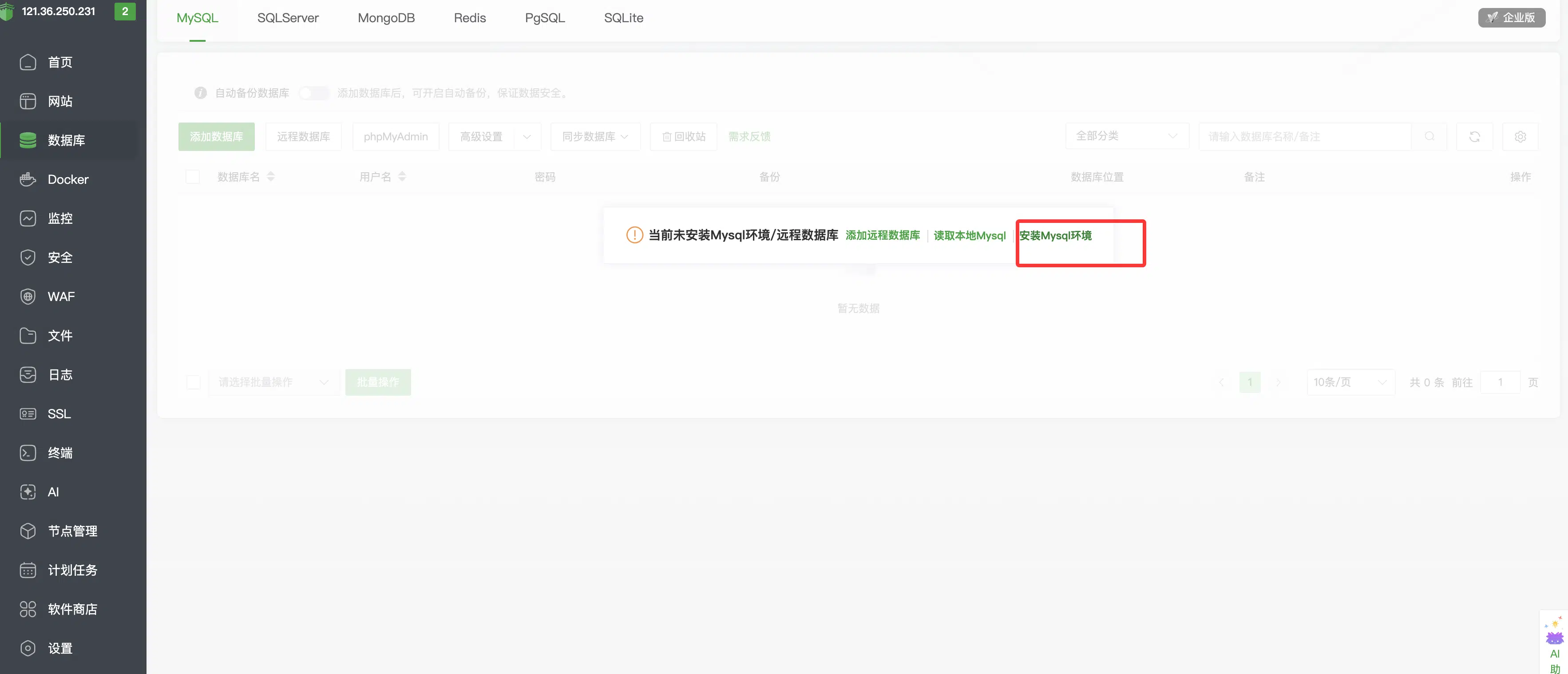
安装mysql
下载好VVCMS应用在/opt/vvcms目录
root@ecs-989b:~# cd /opt/
root@ecs-989b:/opt# mkdir vvcms
root@ecs-989b:/opt# cd vvcms/
root@ecs-989b:/opt/vvcms# wget https://gitee.com/aveyuan/vvcms/releases/download/v5.3.0/vvcms-linux-amd64-v5.3.0.zip
--2026-05-04 17:54:12--  https://gitee.com/aveyuan/vvcms/releases/download/v5.3.0/vvcms-linux-amd64-v5.3.0.zip
Resolving gitee.com (gitee.com)... 180.76.199.13, 180.76.198.225, 180.76.198.77
Connecting to gitee.com (gitee.com)|180.76.199.13|:443... connected.
HTTP request sent, awaiting response... 302 Found
Location: https://gitee.com/aveyuan/vvcms/attach_files/2707492/download/vvcms-linux-amd64-v5.3.0.zip [following]
--2026-05-04 17:54:14--  https://gitee.com/aveyuan/vvcms/attach_files/2707492/download/vvcms-linux-amd64-v5.3.0.zip
Reusing existing connection to gitee.com:443.
HTTP request sent, awaiting response... 302 Found
Location: https://foruda.gitee.com/attach_file/1777474241822205264/vvcms-linux-amd64-v5.3.0.zip?token=c6e3e85e39c923a3030ee3ec44f913bd&ts=1777888454&attname=vvcms-linux-amd64-v5.3.0.zip [following]
--2026-05-04 17:54:14--  https://foruda.gitee.com/attach_file/1777474241822205264/vvcms-linux-amd64-v5.3.0.zip?token=c6e3e85e39c923a3030ee3ec44f913bd&ts=1777888454&attname=vvcms-linux-amd64-v5.3.0.zip
Resolving foruda.gitee.com (foruda.gitee.com)... 180.76.199.13, 180.76.198.77
Connecting to foruda.gitee.com (foruda.gitee.com)|180.76.199.13|:443... connected.
HTTP request sent, awaiting response... 200 OK
Length: 21876168 (21M) [application/zip]
Saving to: ‘vvcms-linux-amd64-v5.3.0.zip’

vvcms-linux-amd64-v5.3.0.zip              100%[===================================================================================>]  20.86M   534KB/s    in 83s

2026-05-04 17:55:38 (256 KB/s) - ‘vvcms-linux-amd64-v5.3.0.zip’ saved [21876168/21876168]

root@ecs-989b:/opt/vvcms# unzip vvcms-linux-amd64-v5.3.0.zip
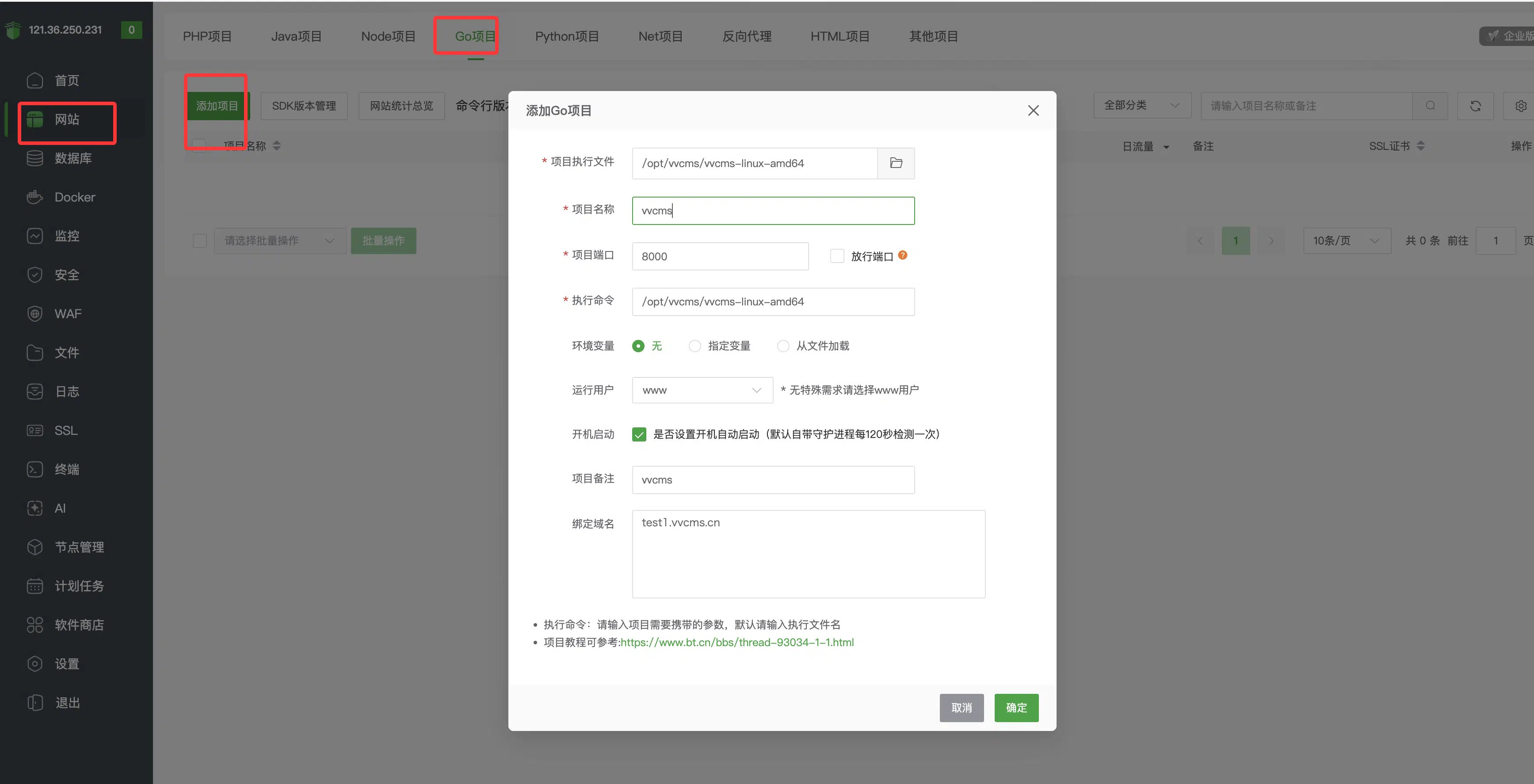
添加网站
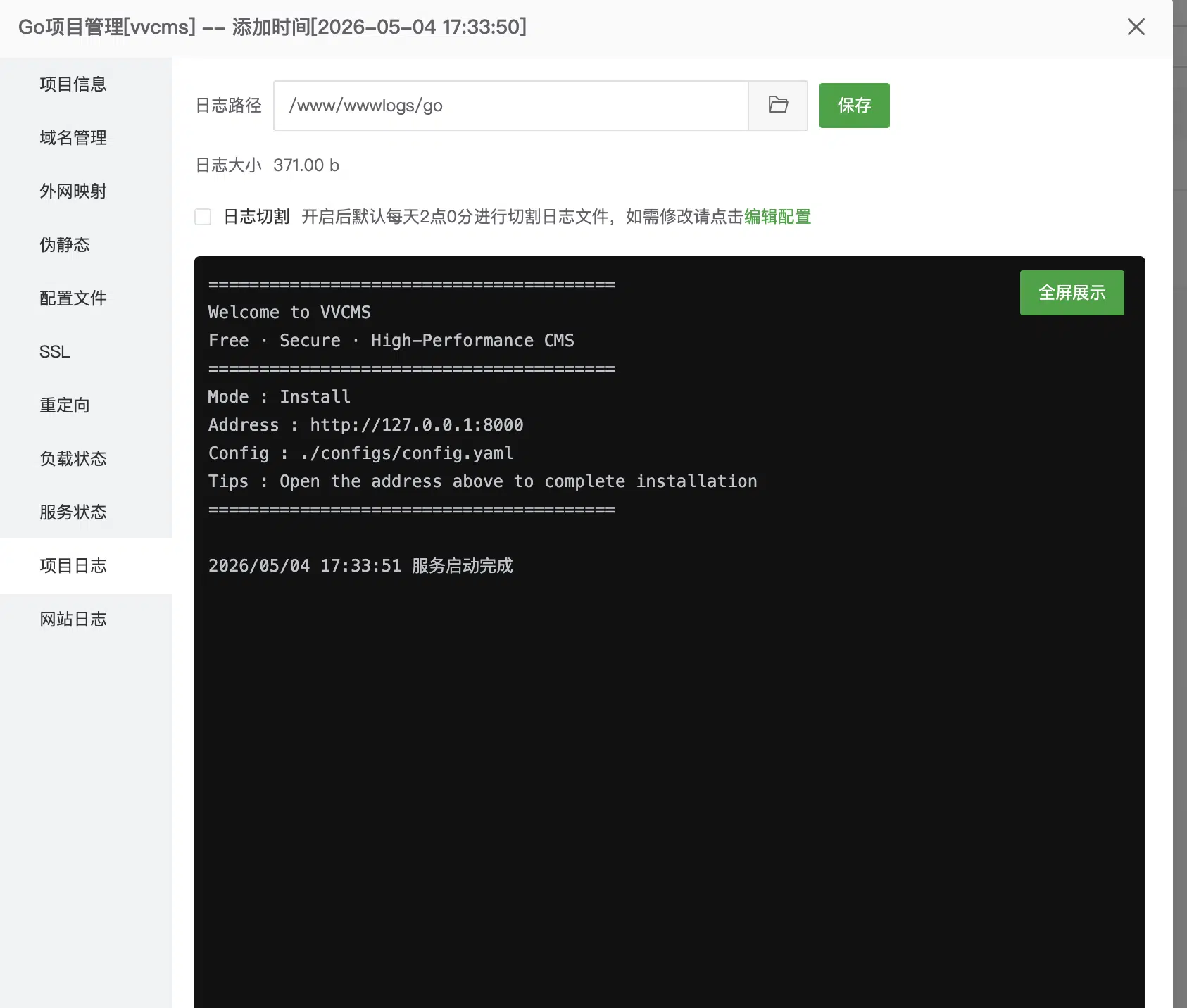
查看运行日志
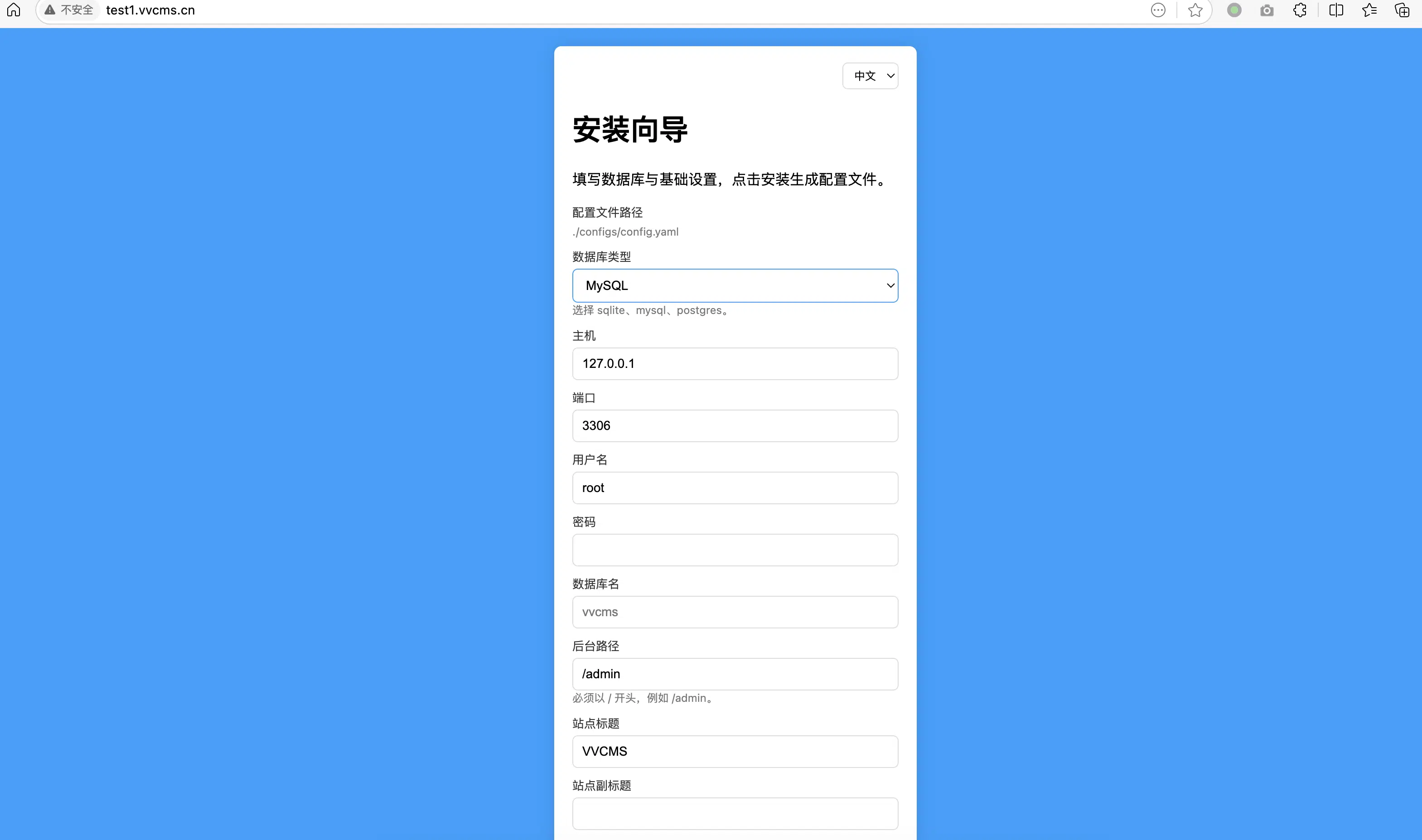
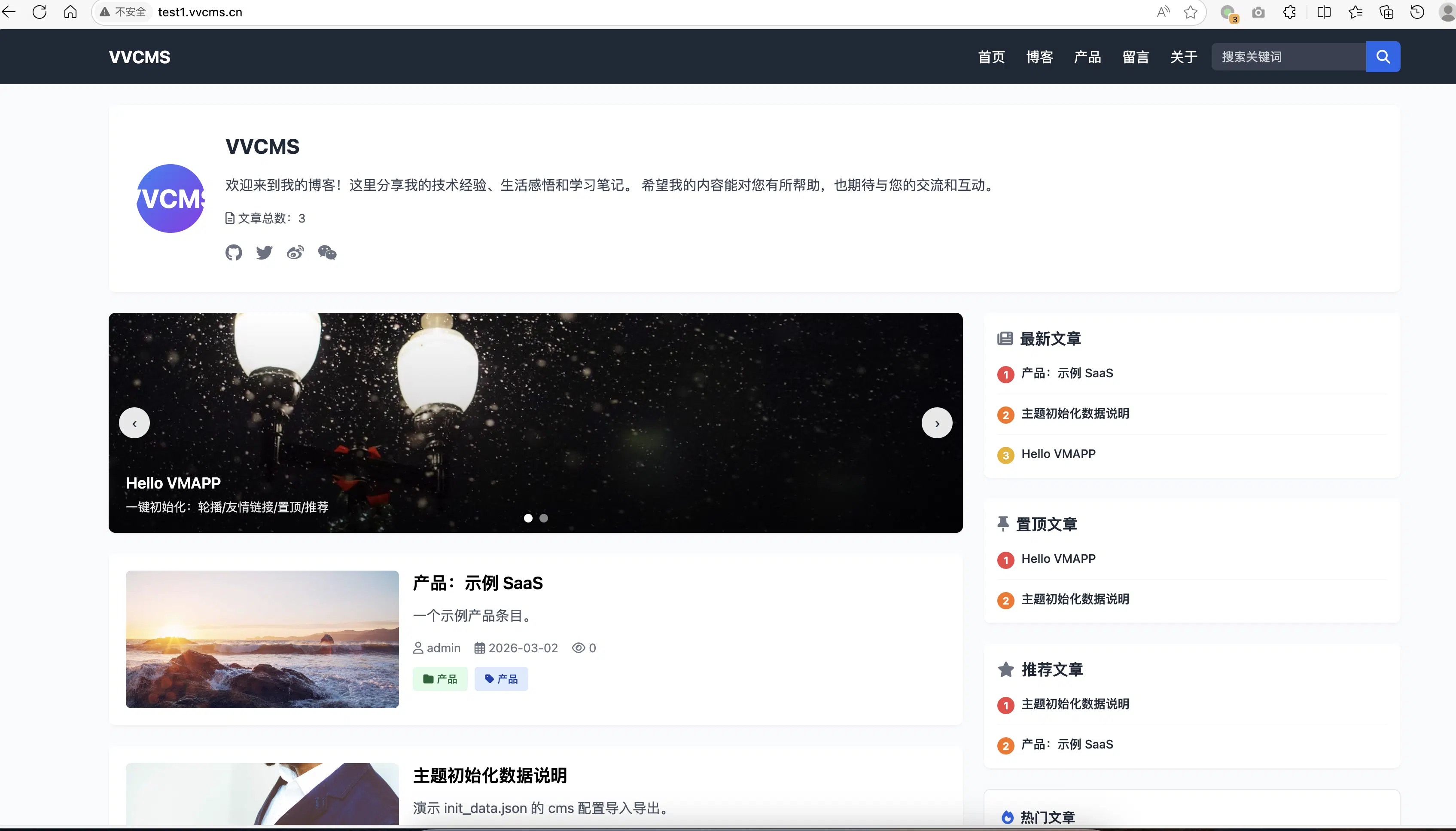
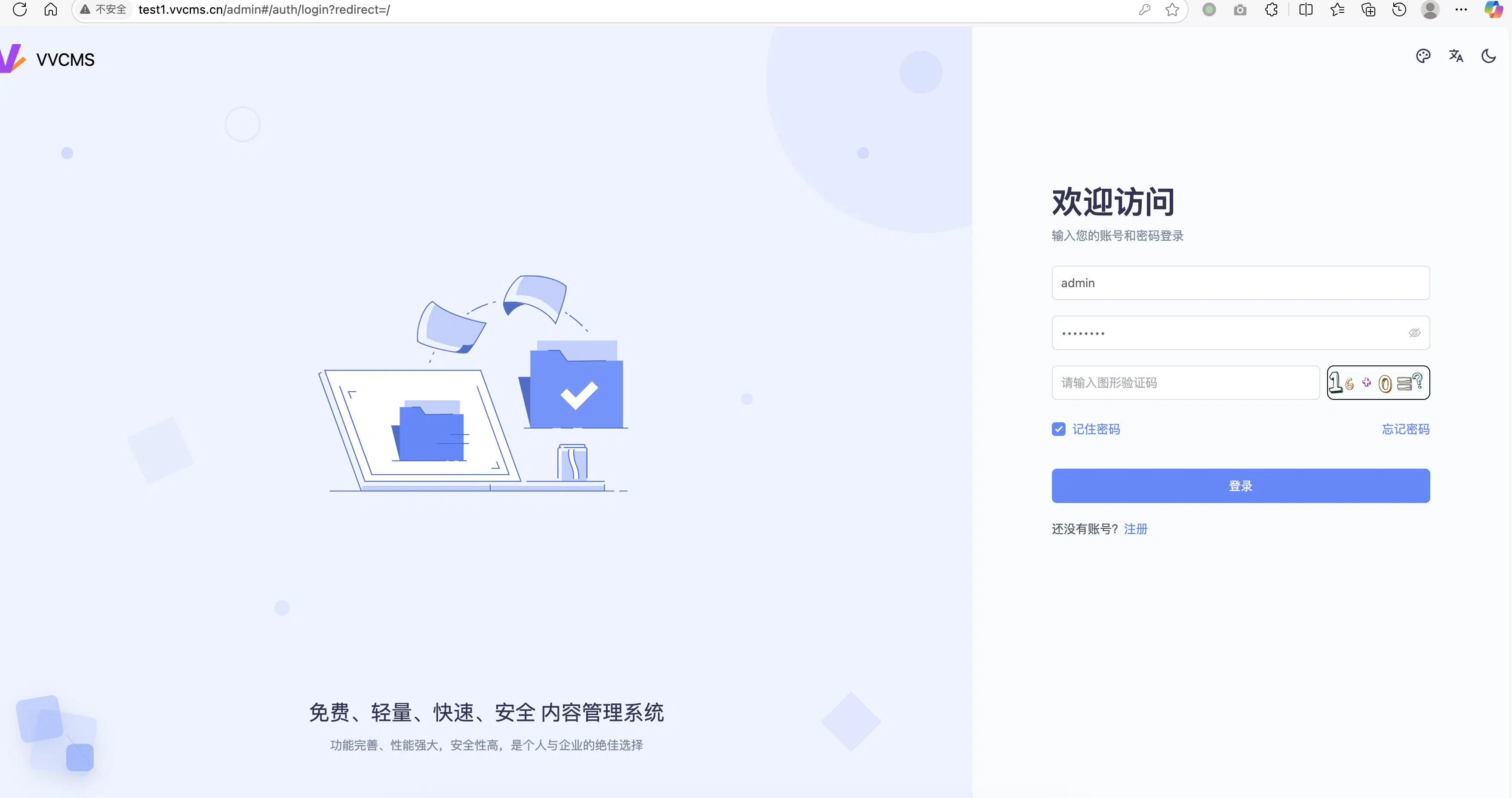
开始访问进行安装